How to Add Text Cutouts to Your Book Cover Designs
Have you ever been working on a cover for your latest book binding project, and you want to add cutout text to a solid field? Or maybe you’re working with a template like this one and need a way to add not only text, but icon cutouts.
Here is your step-by-step guide to creating text cutouts using three different methods
Creating Text Cutouts with Photopea
Photopea is a web-based app similar to Photoshop, and it is free to use.
To make your text cutouts in Photopea, follow these steps:
Create a new design and input your cover dimensions
You can click and drag your design template onto the canvas, or choose File > Open & Place.
If you’re not working with a template, use the Shape tool to create a field for your text cutouts, such as a rectangle
Use the Text tool to add your text to the design
Hold down the CTRL key (or CMD) and click on the layer that holds your text.
Click on the layer where you want the cutout text to appear.
In the top toolbar, choose Layer > Raster Mask > Hide Selection.
Toggle off the visibility of your original text layer.
Creating Text Cutouts with Procreate
If you’re working with an iPad and Procreate, you can use the same technique to create text cutouts.
Create a new design with your cover dimensions
Draw your field design, or use the Add tool to import your cover template to the canvas.
Add your text to the design
With the text layer selected,
How to Create Text Cutouts with Cricut Design Space
You can also create text cutouts using only Cricut Design Space, though this method tends to work best for simpler text designs.
Add your template or shape to a blank canvas.
Use the text tool to add your text, and edit/reshape it as you like.
Make sure the text and the shape you want to frame them are set to the same material color.
Arrange the text where you want it to be cut out from the field.
Use the Attach tool to make sure your text doesn’t move during the cutting process.
Click Make! Cricut will cut your text out of the field for you to weed.
Want to use the template in this tutorial? It’s available right here, along with many others in my shop.
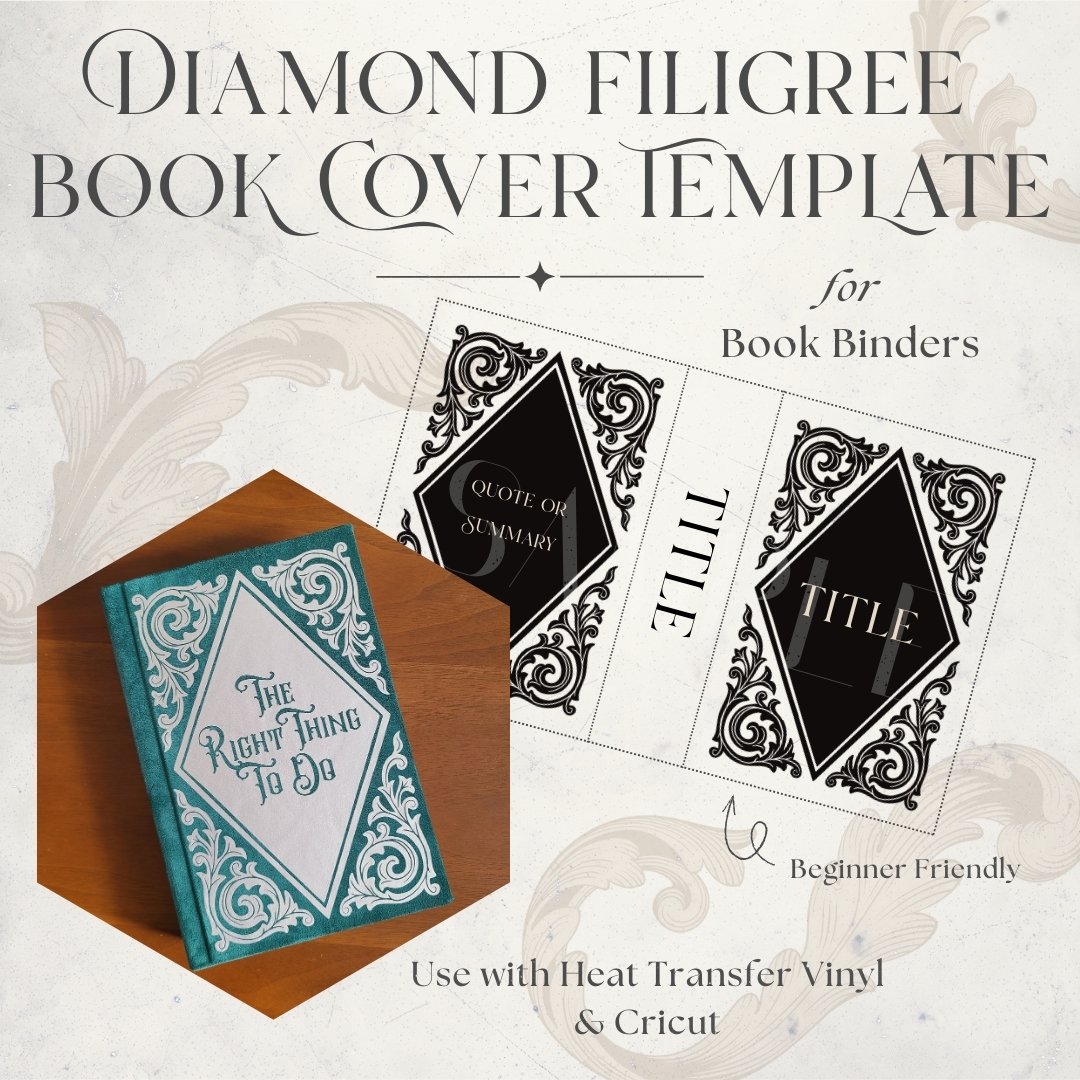
Transform your bookbinding projects with this elegant vinyl bookbinding design digital file cutting template featuring a diamond scrollwork frame for your book cover. This customizable HTV template offers a scalable layout that allows you to create sophisticated book covers with ornamental style frames that can be personalized for your unique project.
